
Sheet
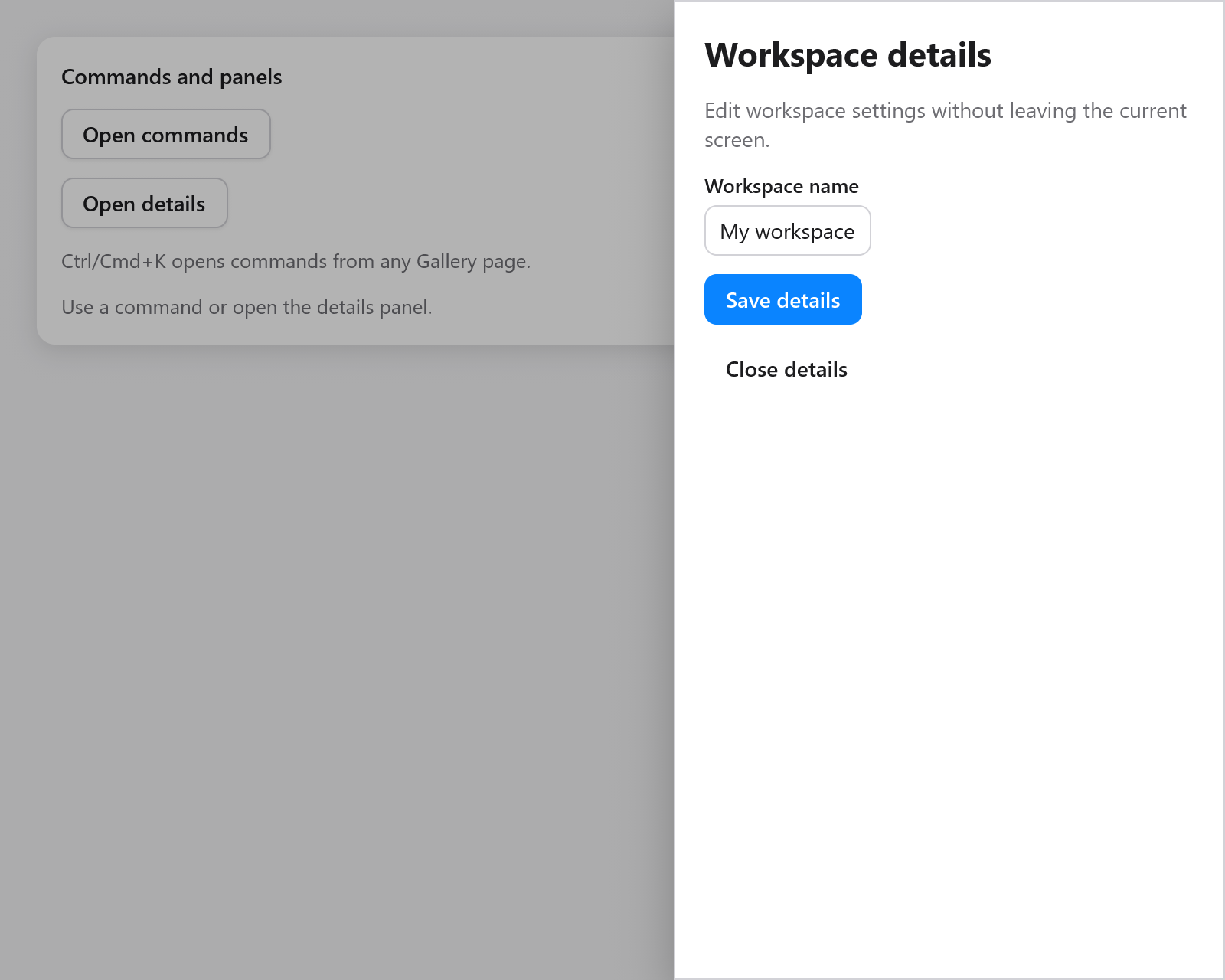
ui.sheet opens a modal panel against one edge of the window. Use it for details, settings and filters beside the current screen.
zig
// In app state: details: ui.OverlayState = .{},
if (ui.button(c, "Details", .{}).clicked) s.details.show();
if (ui.sheet(c, &s.details, .{ .label = "Project details" })) |panel| {
    defer panel.end();
    ui.heading(c, "Project details");
    _ = ui.textField(c, &s.name, .{ .width = .fill, .label = "Name" });
    if (ui.button(c, "Save", .{}).clicked) {
        s.save();
        s.details.close();
    }
}
Keep its OverlayState in app state. The panel can contain ordinary widgets and scrolls when its content exceeds the available space. It shares the dialog backdrop, Escape handling and focus restoration. The background cannot receive pointer input, and Tab and Shift+Tab stay within the panel.
SheetOptions | Default | Meaning |
|---|---|---|
side | .right | .left, .right, .top or .bottom, physical window edges |
size | 360 | Width for left/right; height for top/bottom, in points |
label | "Sheet" | Accessible modal-dialog name |
dismissible | true | Backdrop presses close the panel |
escape | true | Escape closes it after child controls have handled it |
The size is capped to the window, including after a resize. Content follows the app's text direction; side continues to name a physical edge. The panel has a short fade and movement on opening; reduced motion shows it at once. Closing removes it and restores the previous focus.
See the Feedback page in Gallery.